How It Works

    Software-Defined Execution for the Warehouse Floor

    Three layers connect your systems to the people doing the work — delivering real-time warehouse visibility and guided execution at every station.

    System Architecture

    Three Layers. One Unified System.

    Voodoo connects your business systems to the warehouse floor through a clean, modular architecture.

    01

    Server Layer

    Cloud or On-site

    REST API integration with WMS, ERP, MES
    SAP and custom platform support
    Task distribution and priority management
    Real-time performance dashboards
    Multi-site visibility from a single pane
    02

    Network Layer

    Turbo II Router

    75–100 ft wireless range per unit
    Up to ~300 devices per router
    WiFi or POE-Ethernet backhaul
    Touchscreen GUI for configuration
    Ceiling, wall, or rack mounting
    03

    Device Layer

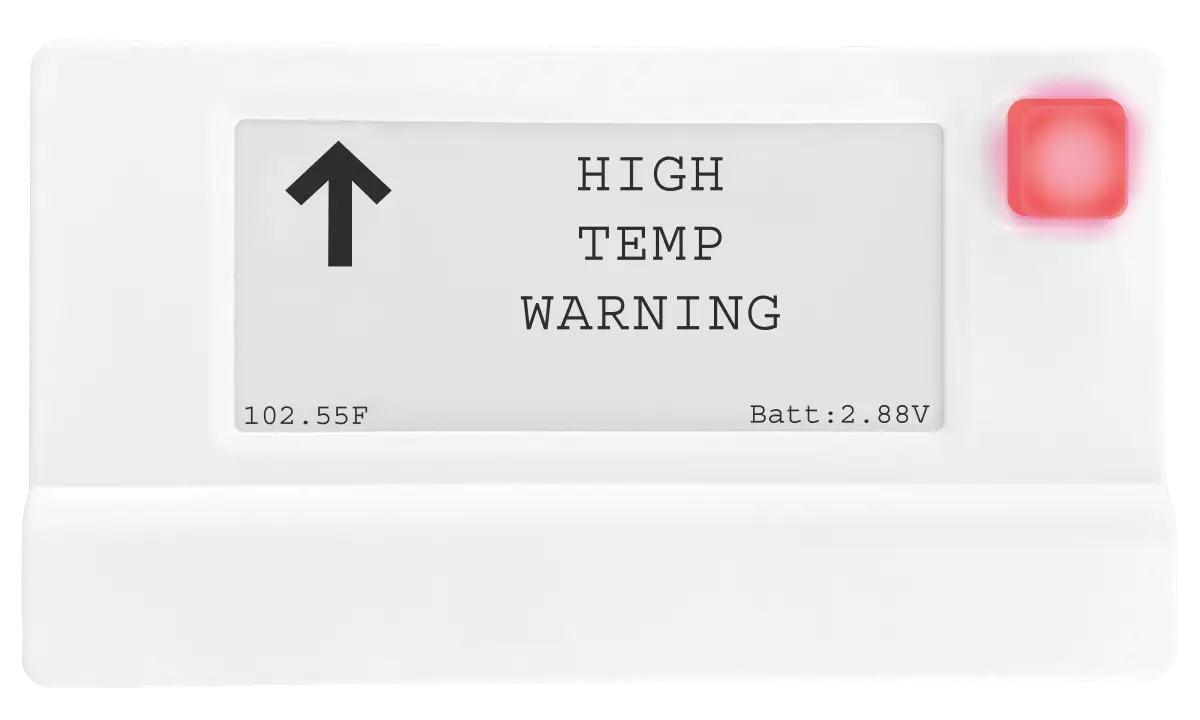
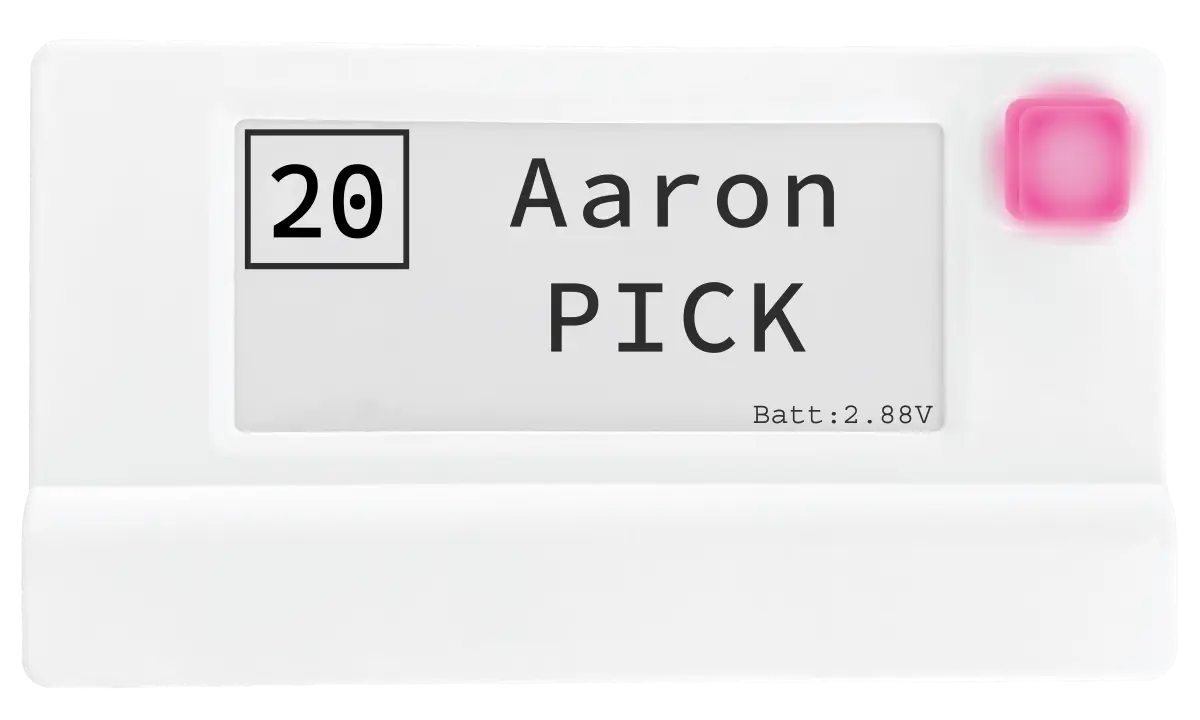
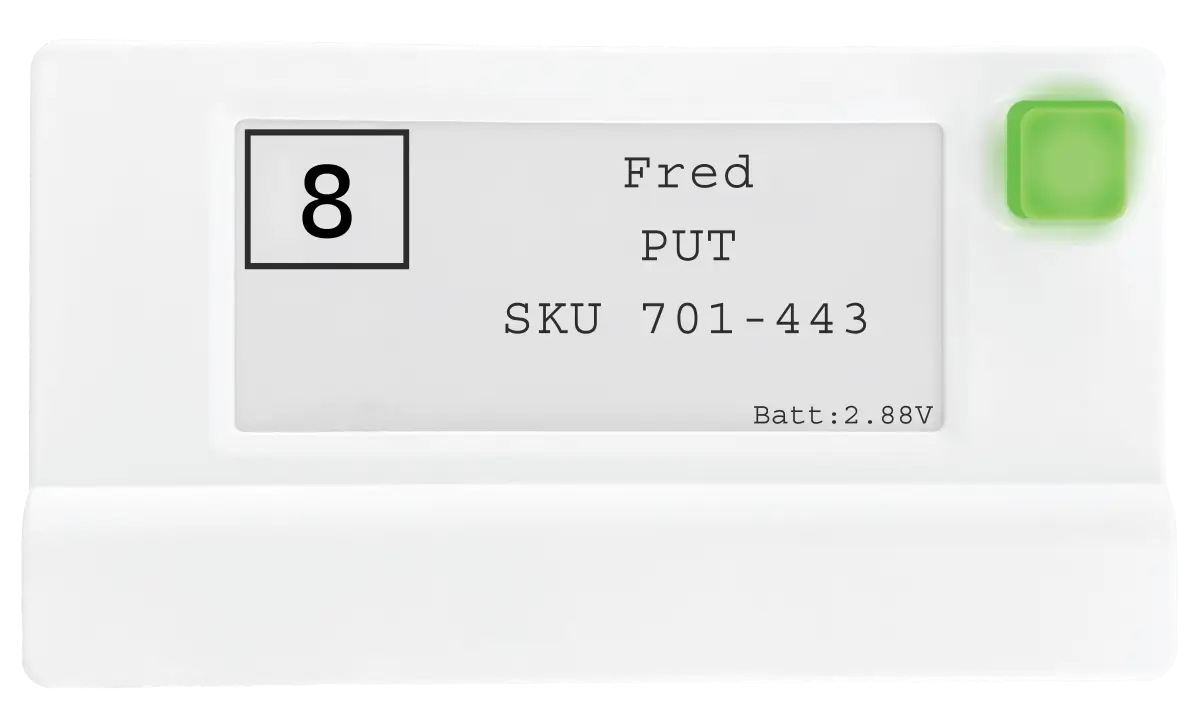
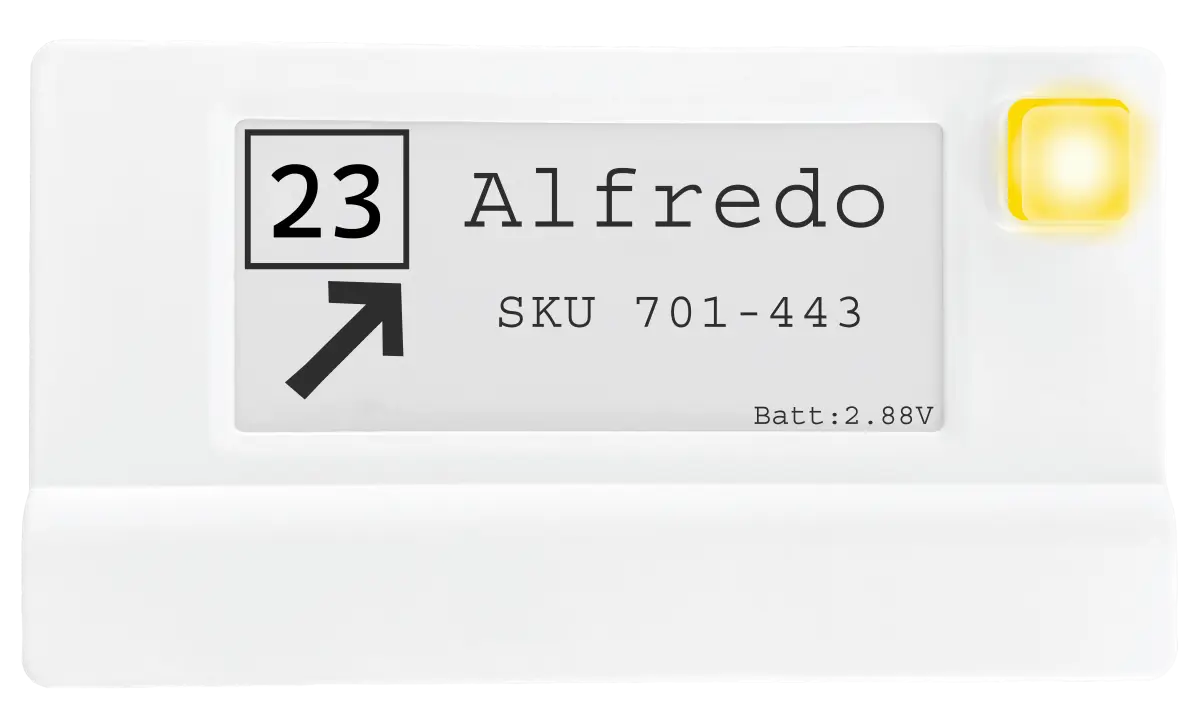
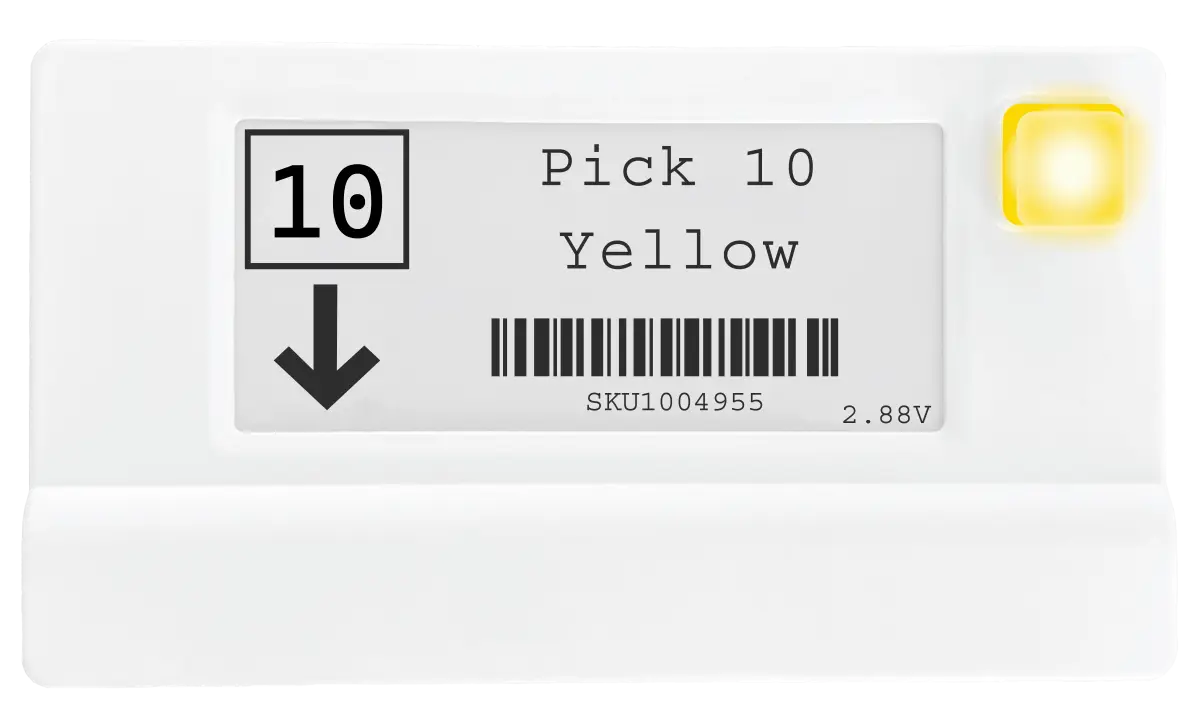
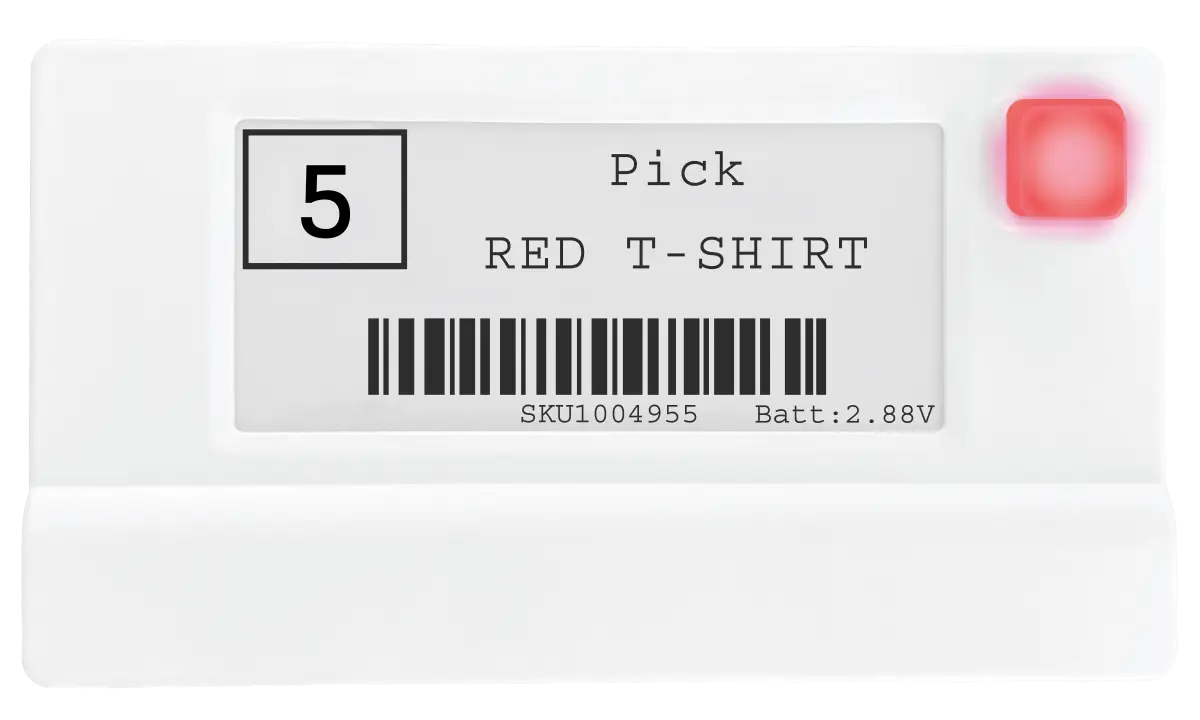
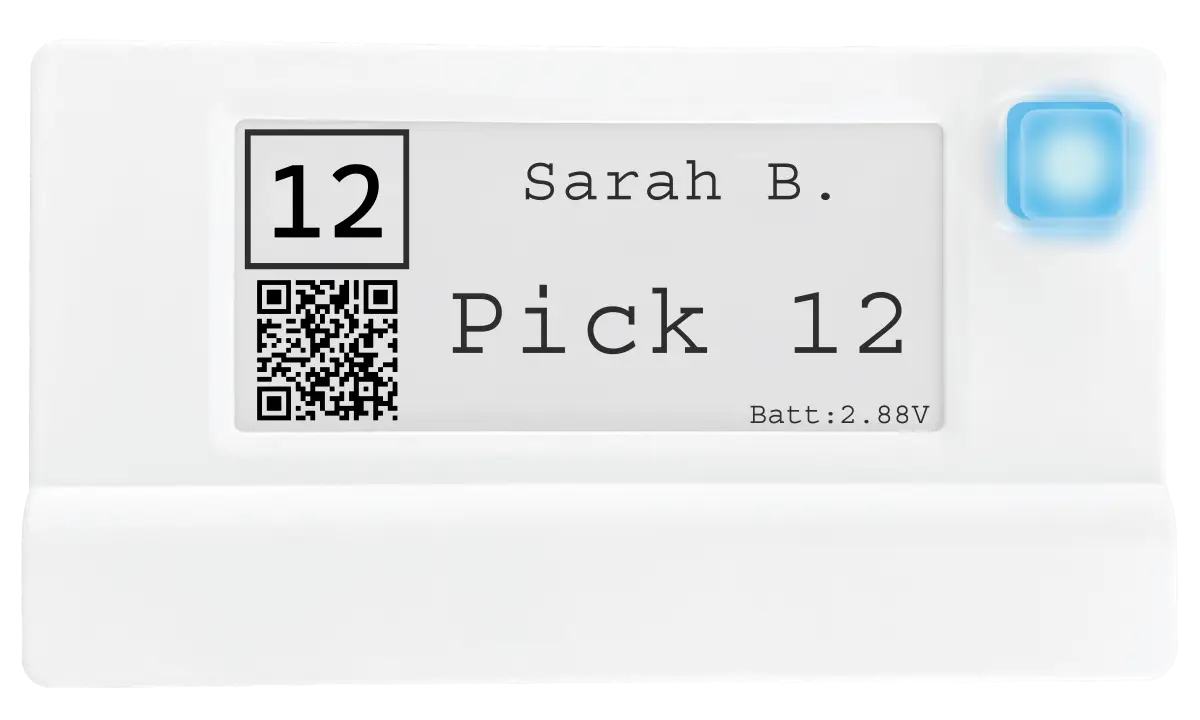
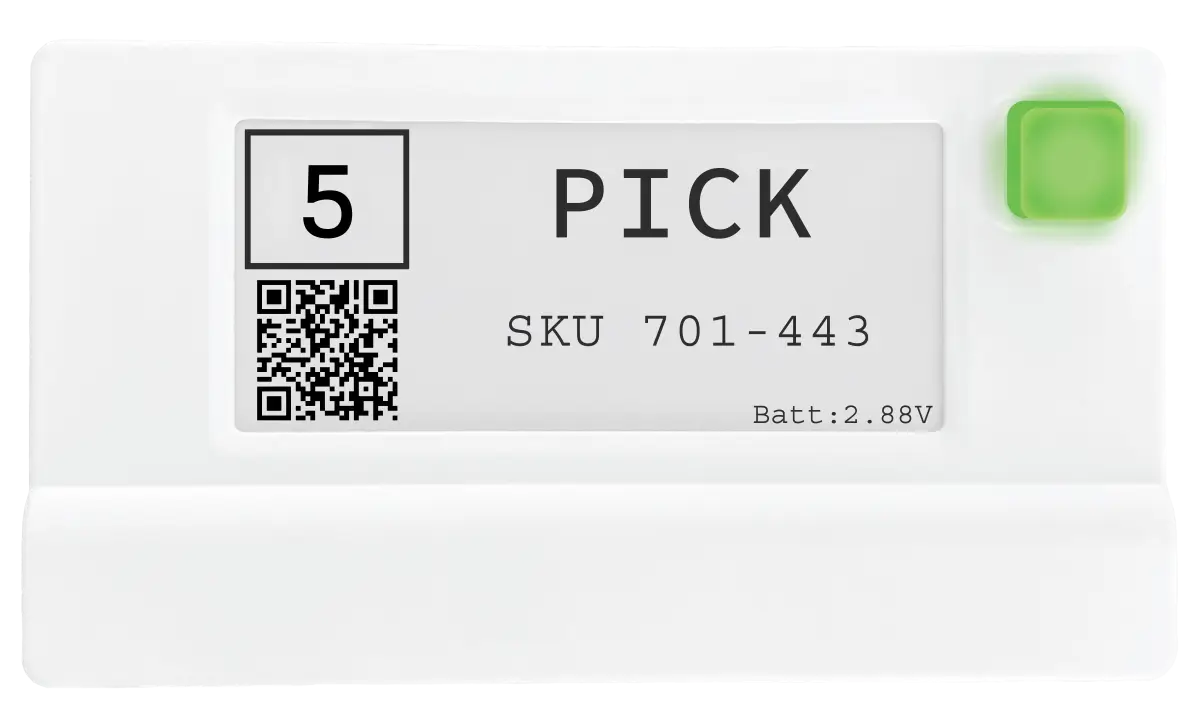
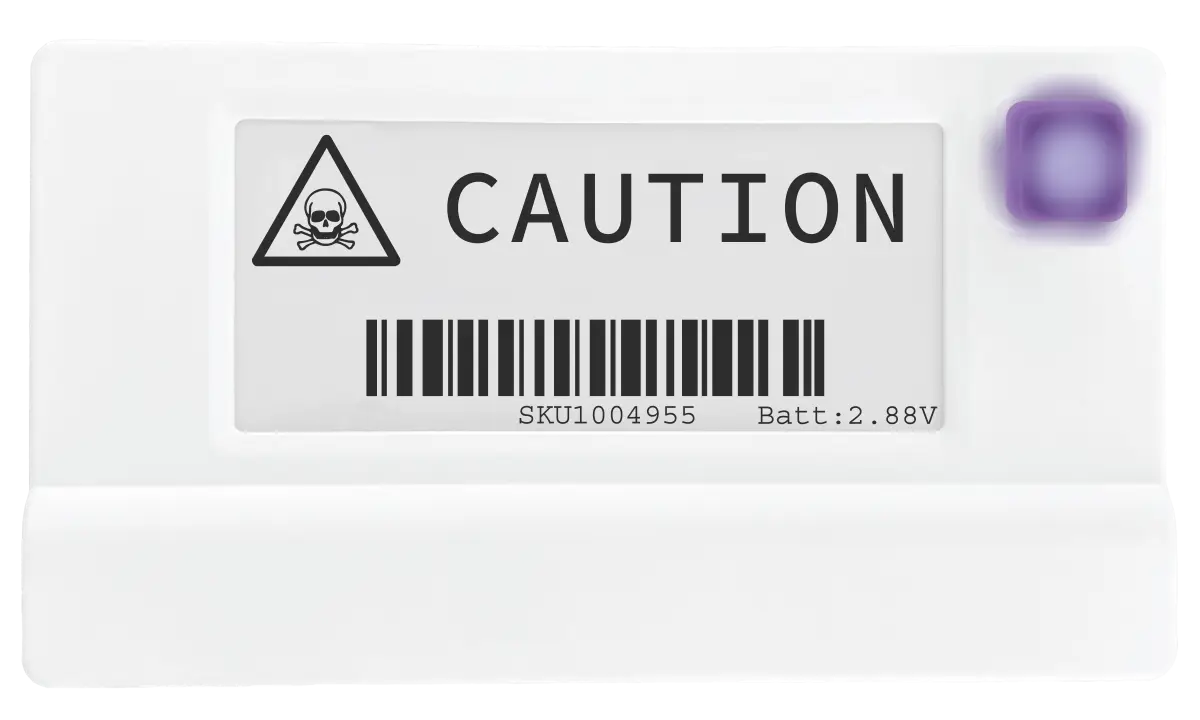
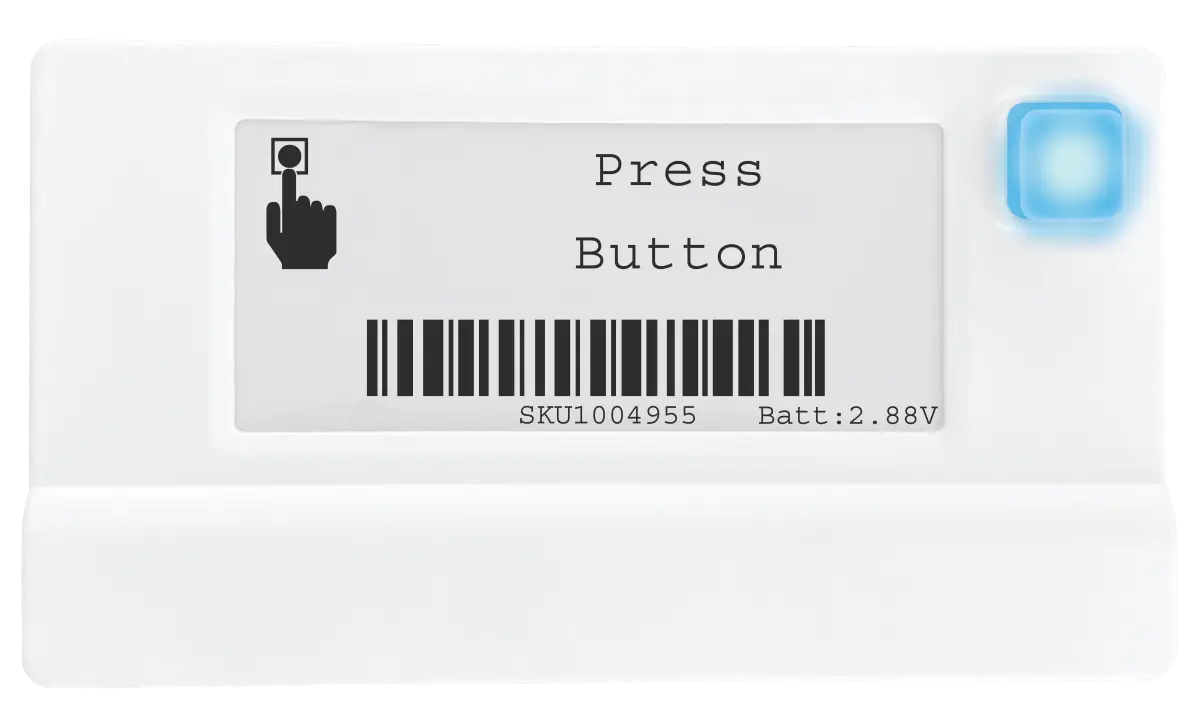
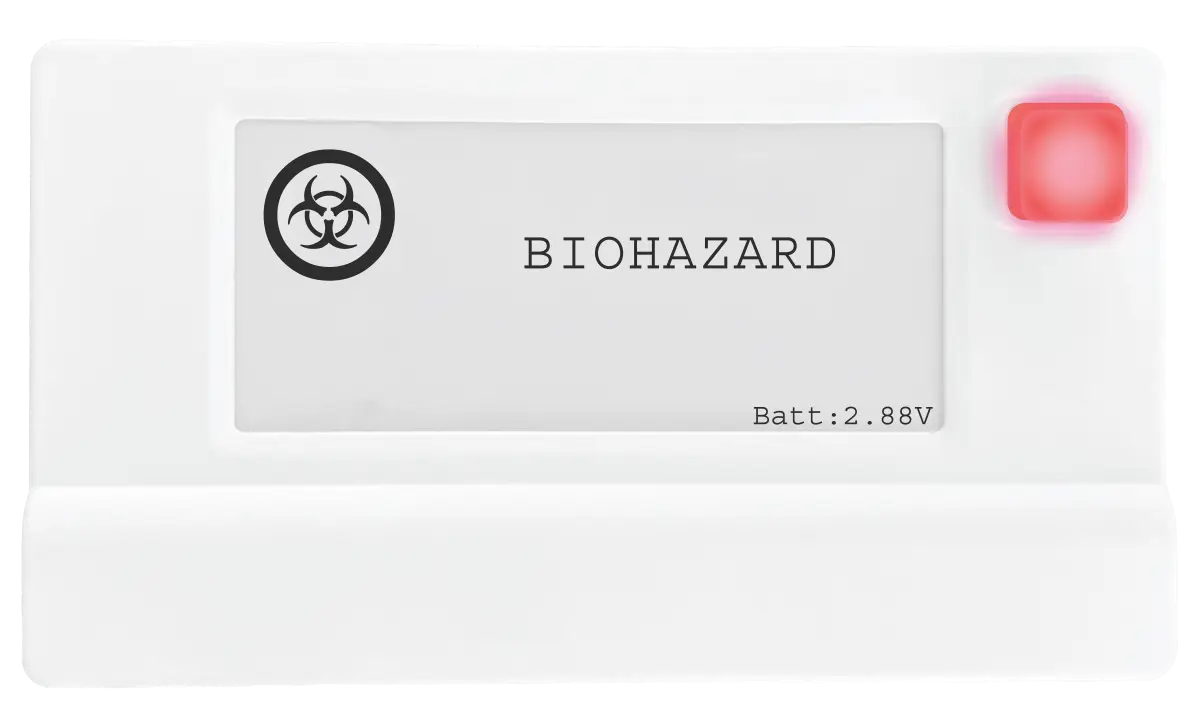
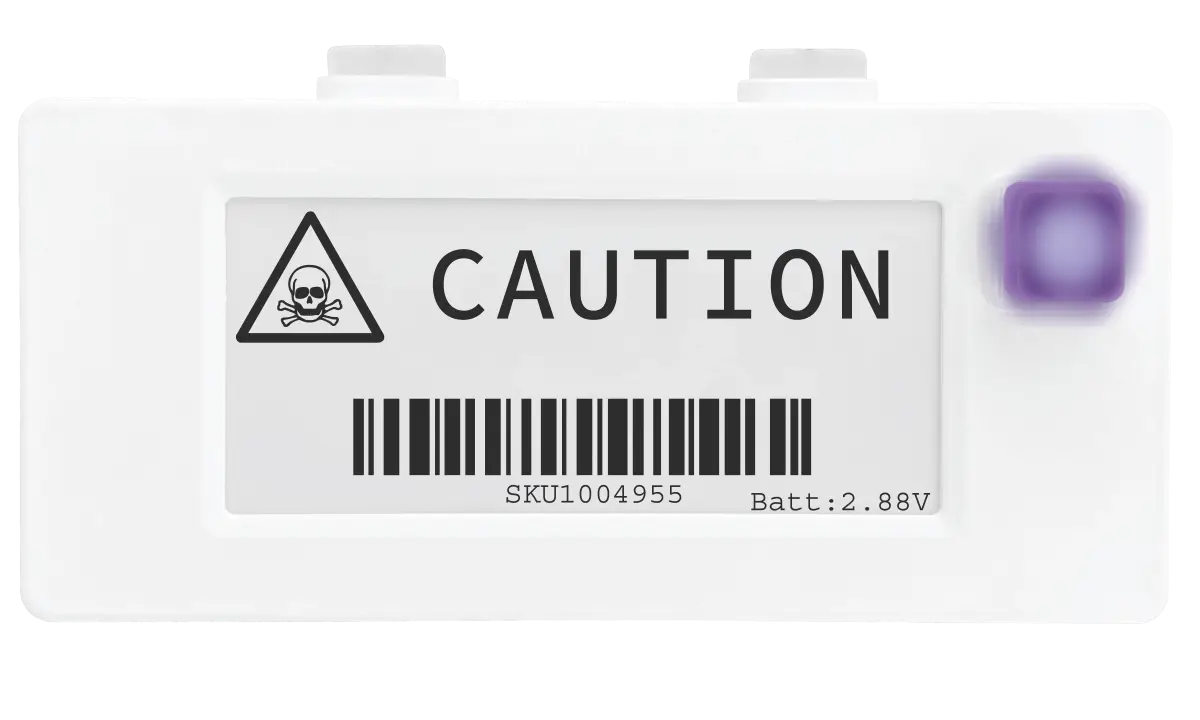
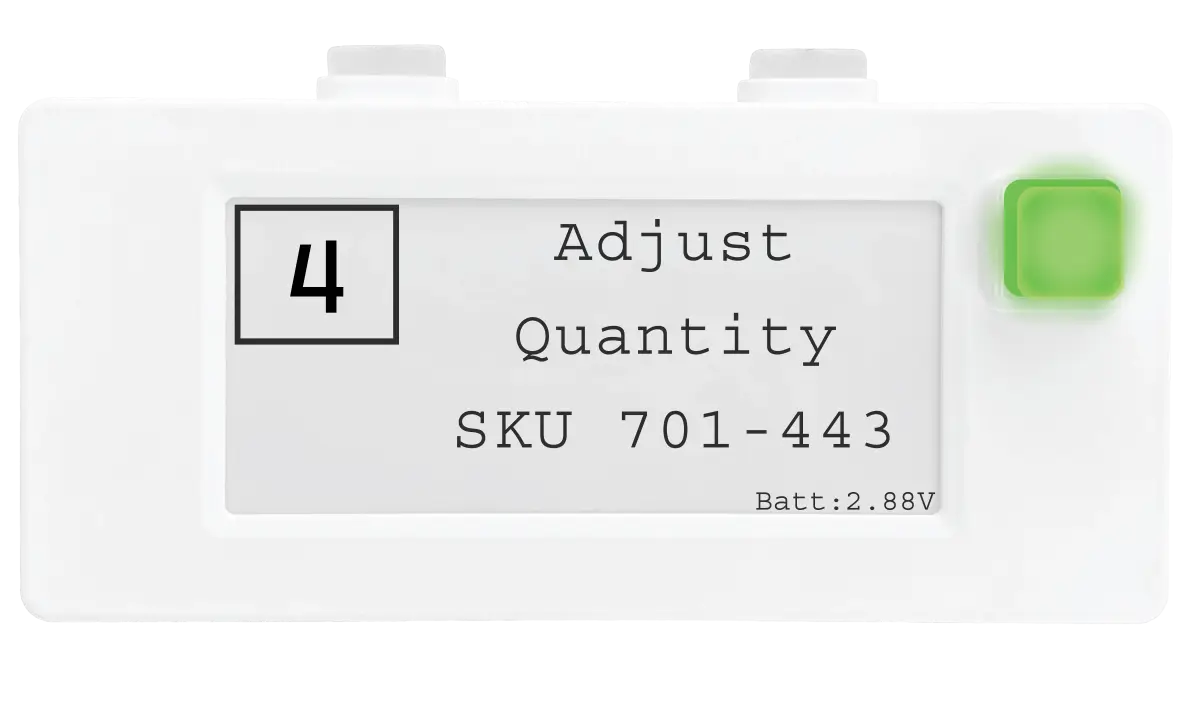
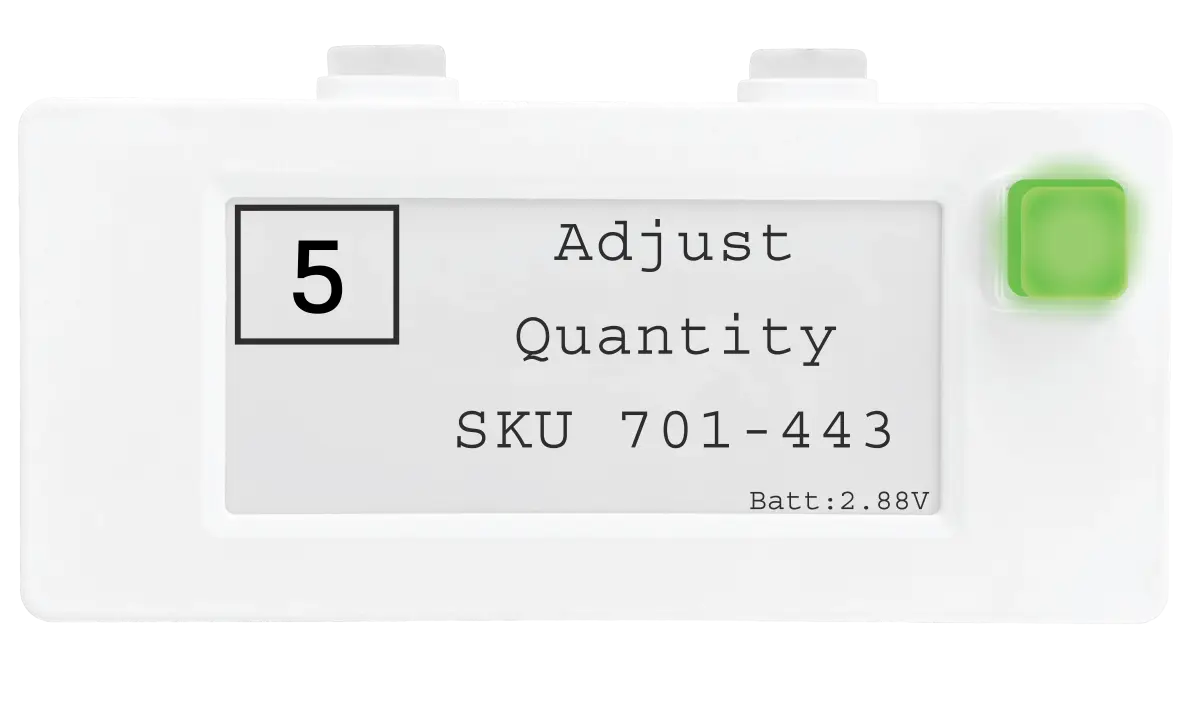
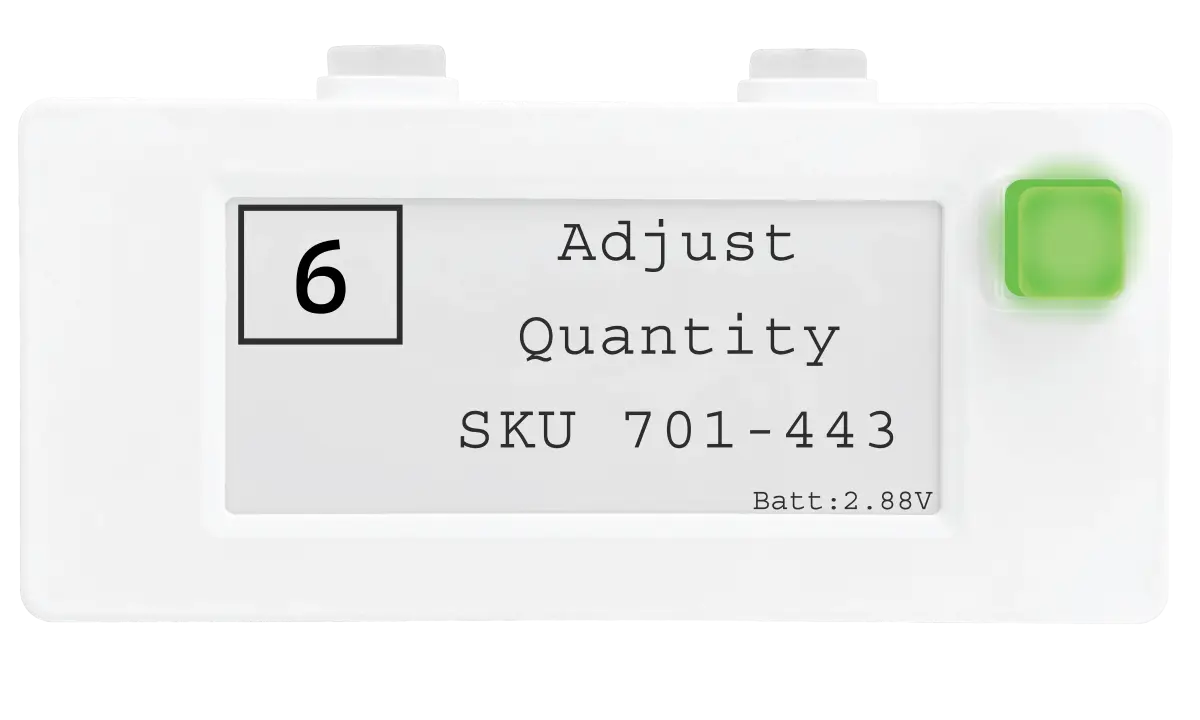
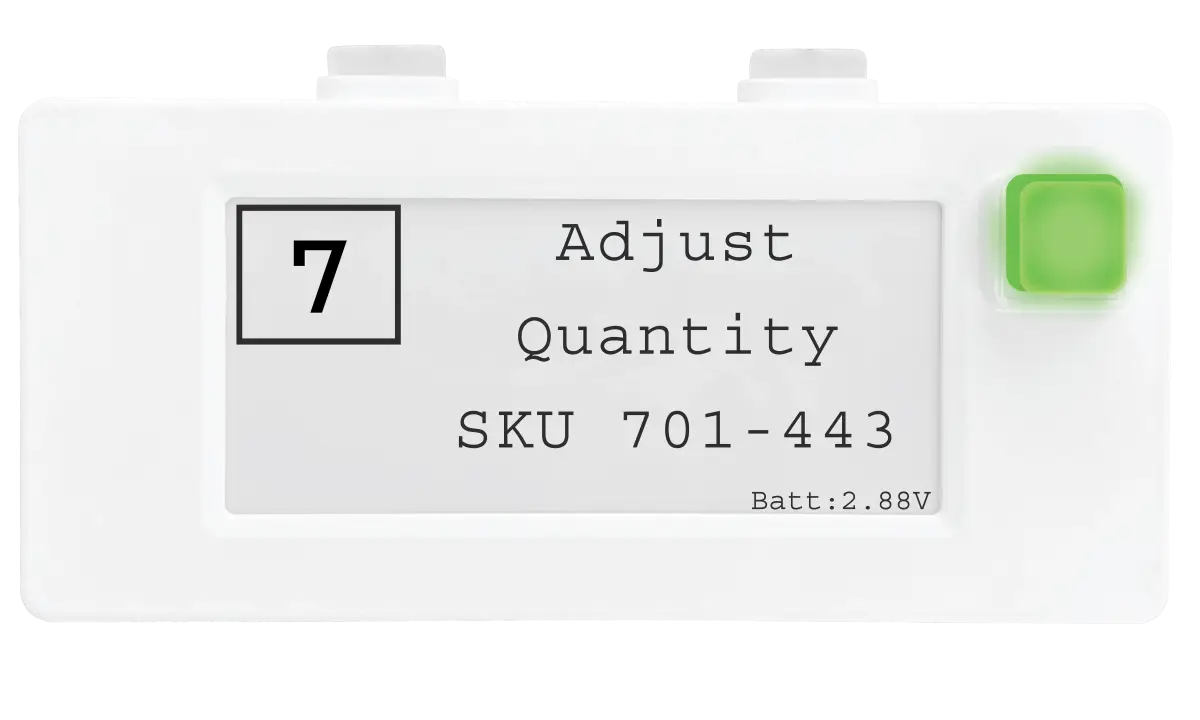
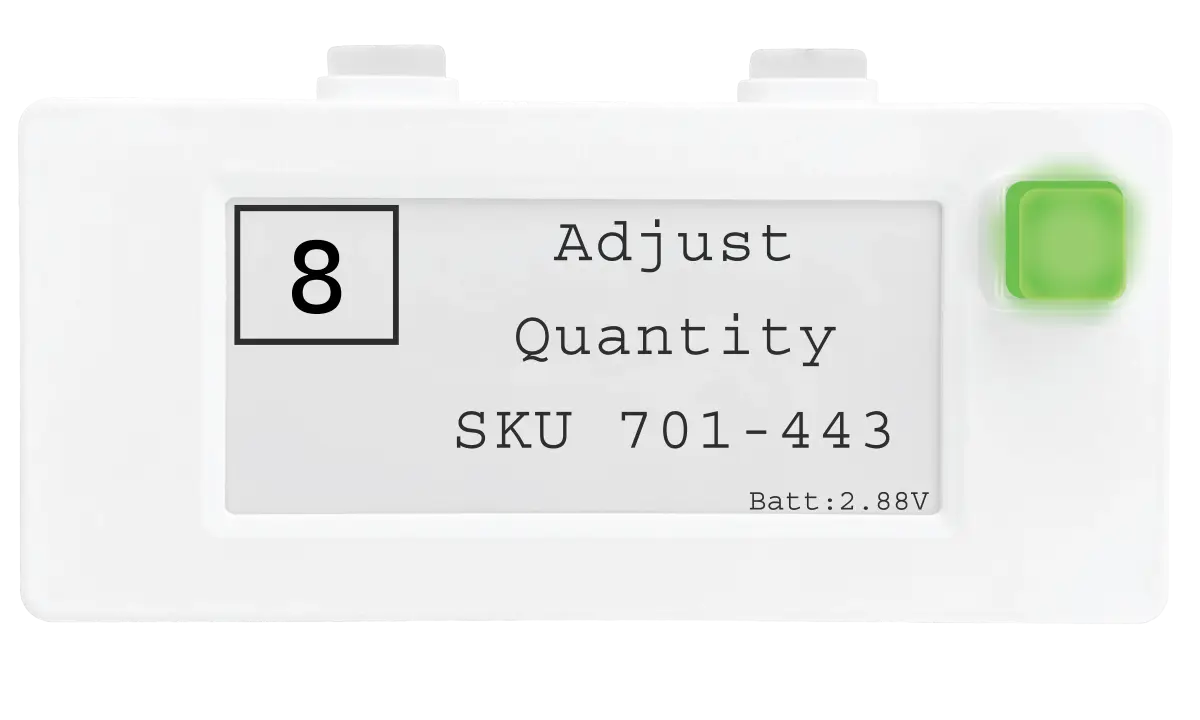
    IoT Cloud Display Devices

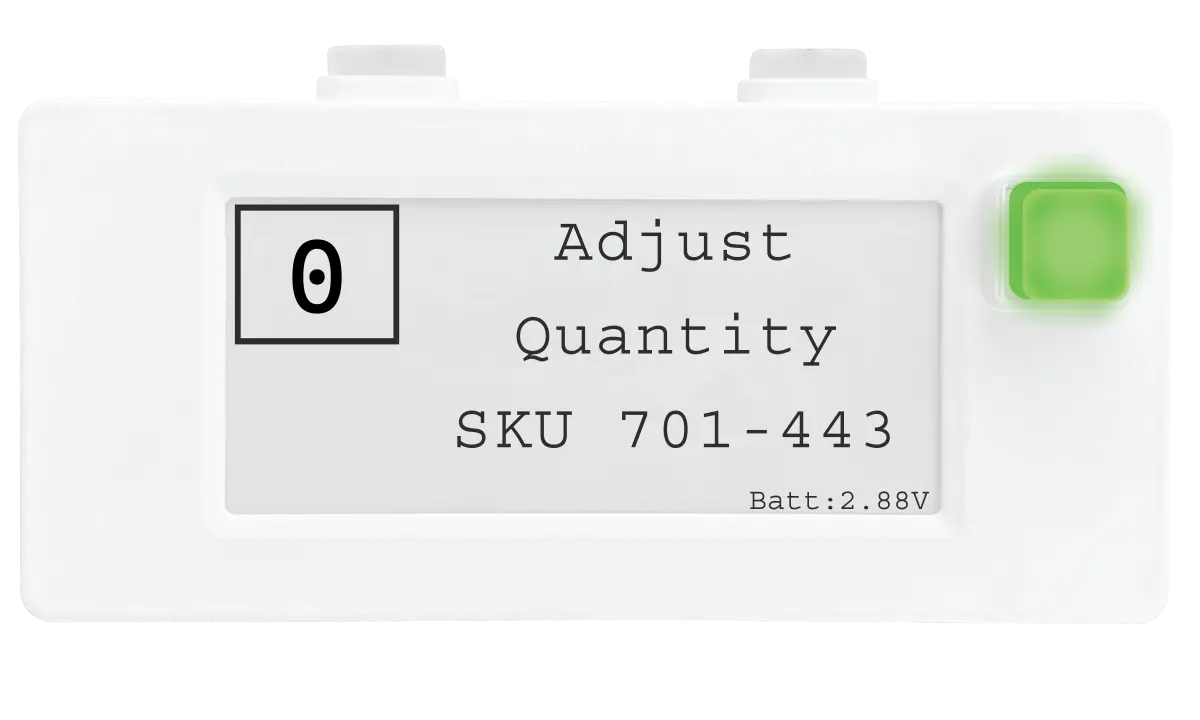
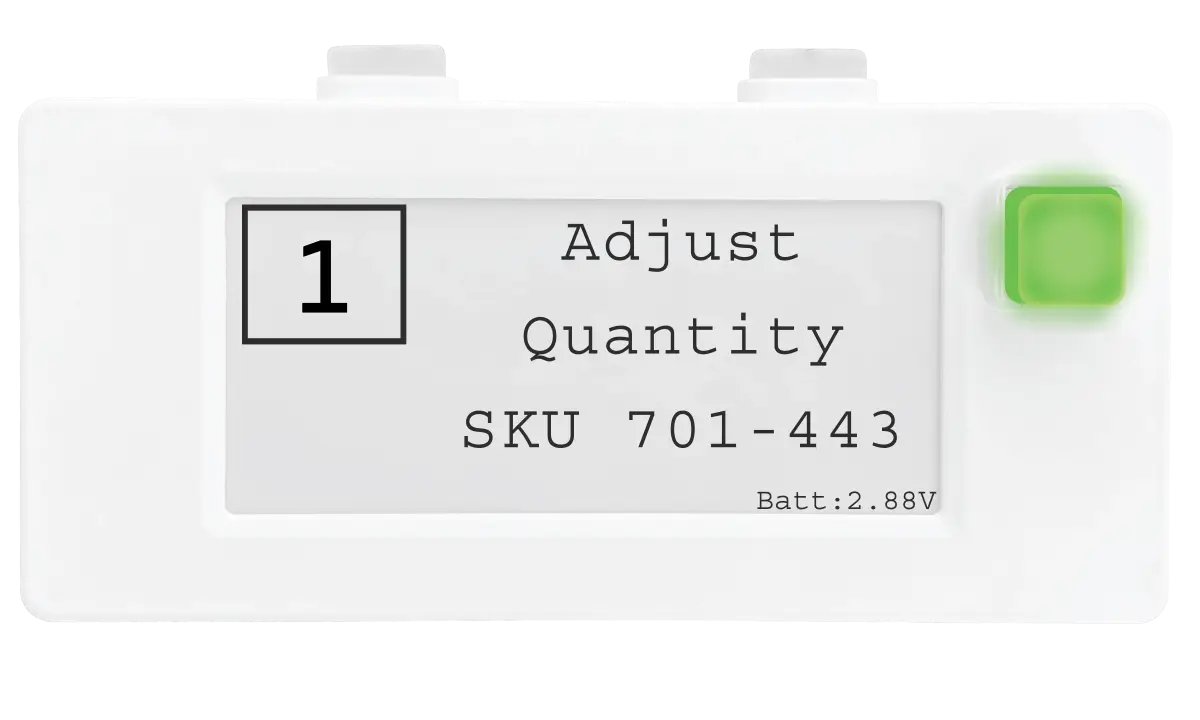
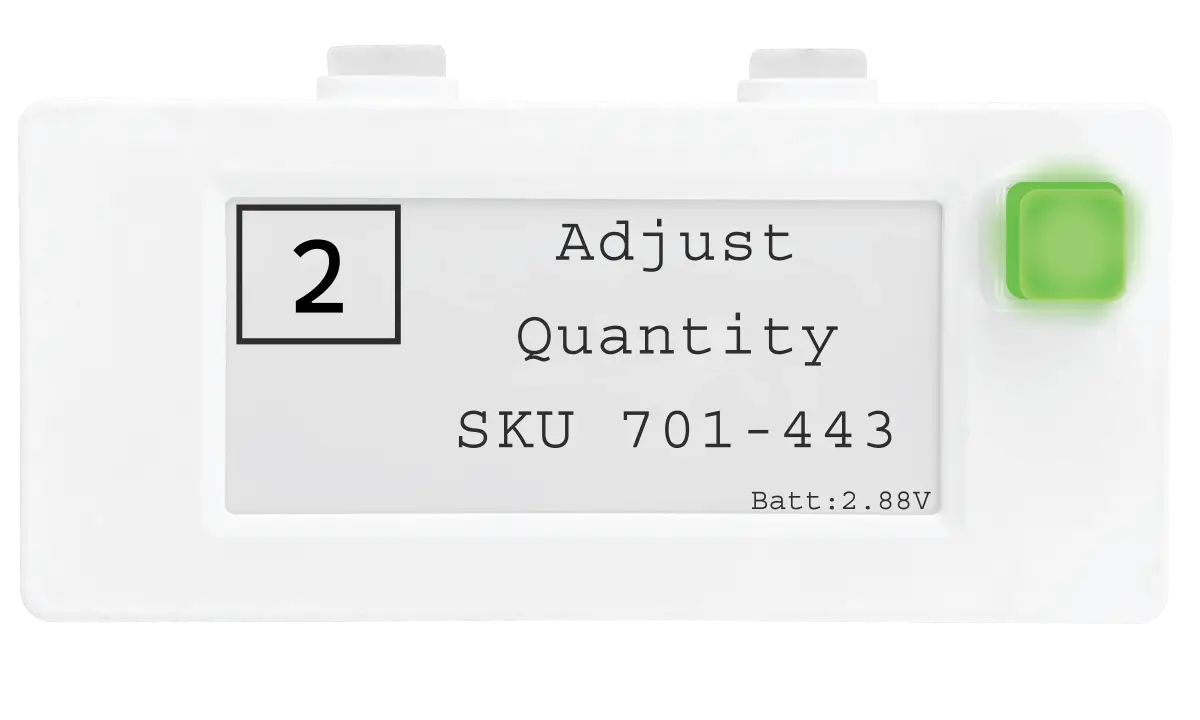
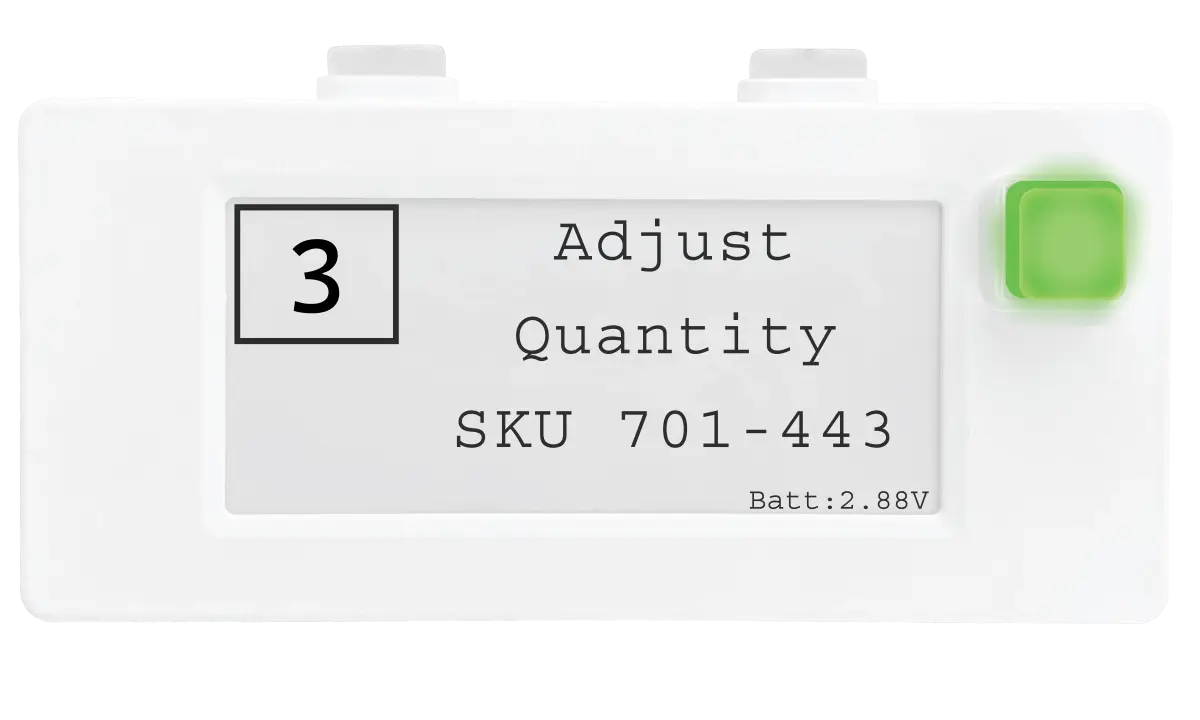
    5-line e-ink display with barcodes, QR, icons
    6-color LED confirmation button
    Arrows feature for 1:8 coverage expansion
    2x AAA batteries lasting years
    Battery voltage monitored centrally

    How They Connect

    Your WMS / ERP
    Voodoo REST API
    Turbo Router
    Display Devices
    Integrations & API

    Designed to Fit Your Stack

    Voodoo can connect to your existing systems through a straightforward REST API. No middleware, no complex warehouse automation integration — just clean data exchange between your business logic and the warehouse floor.

    REST API for any WMS, ERP, or MES platform
    SAP integration support included
    Custom platform connectivity
    Real-time bidirectional data flow
    Confirmation signals back to your system on every pick
    Discuss Your Integration
    // Send a pick task to the floor
    POST /api/device/
    {
    "deviceID": "AAFCED:86AF90",
    "command": "pick",
    "line1": "WH-9920-BLK",
    "line2": "SKU: 188-7335",
    "quantity": 3,
    "color": "green",
    "arrow": "up"
    }
    // Response: 200 OK
    // Device lights up → Worker picks → Button press confirms
    Cloud Dashboard

    See Everything. Control Everything.

    Real-time monitoring, device health, and performance metrics — all from one dashboard.

    📋

    Task Distribution

    Route picks to the right zone and device automatically based on your workflow rules.

    📡

    Device Monitoring

    See every device's status, connectivity, and last activity in real time.

    🔋

    Voltage Alerts

    Proactive battery alerts before devices go offline — no surprises on the floor.

    📊

    Performance Reporting

    Track pick rates, error rates, and worker efficiency across shifts and zones.

    🌐

    Multi-Site Visibility

    Manage multiple facilities from a single cloud dashboard.

    🔒

    Secure Access

    Role-based access controls and encrypted communications across the system.

    Deployment

    From Pilot to Full Floor in Weeks, Not Months

    Wireless means no conduit, no power drops, and no infrastructure overhaul. Your IT team can have the system running the same day.

    1

    Mount Devices

    Magnet-mount or screw-mount display devices at each pick location. No wiring required.

    2

    Place Routers

    Position Turbo II routers for coverage. Ceiling, wall, or rack — wherever works best.

    3

    Connect & Go

    Point the API at your WMS and start sending tasks. Devices light up and you're live.
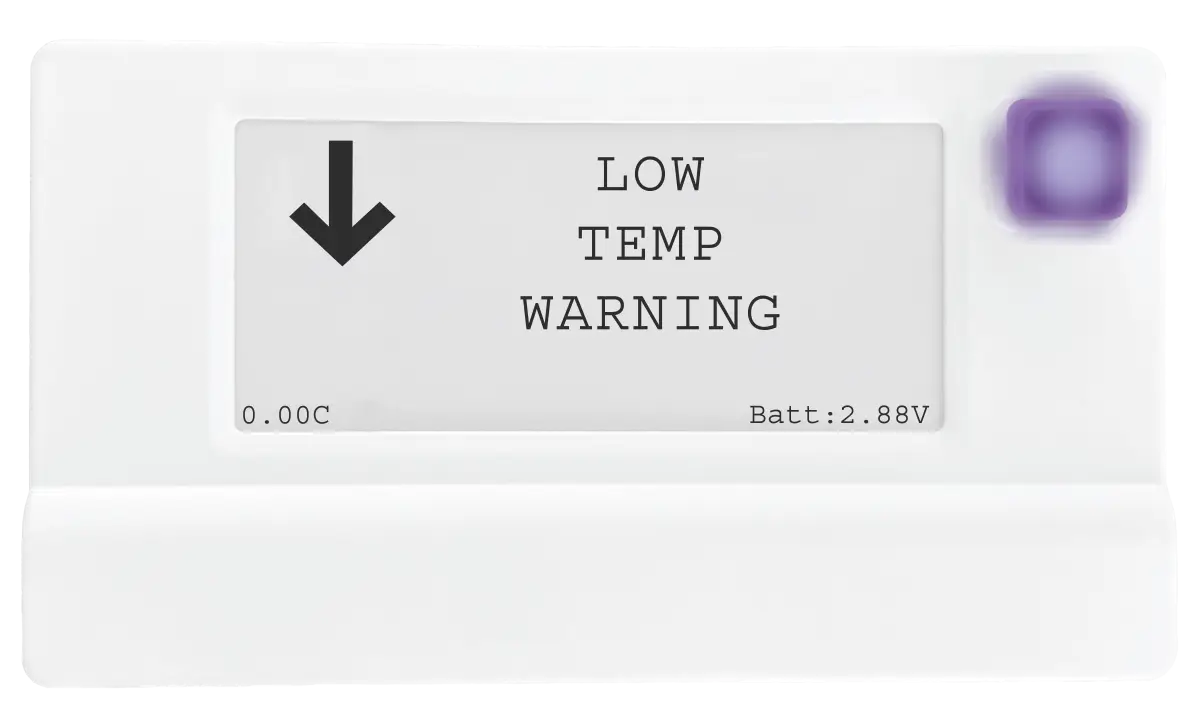
    Modern Cloud Display Imgs Web 01Modern Cloud Display Imgs Web 02Modern Cloud Display Imgs Web 03Modern Cloud Display Imgs Web 04Modern Cloud Display Imgs Web 05Modern Cloud Display Imgs Web 06Modern Cloud Display Imgs Web 07Modern Cloud Display Imgs Web 08Modern Cloud Display Imgs Web 09Modern Cloud Display Imgs Web 10Modern Cloud Display Imgs Web 11Modern Cloud Display Imgs Web 12Multi Button Cloud Display Imgs Web 12Multi Button Cloud Display Imgs Web 13Multi Button Cloud Display Imgs Web 14Multi Button Cloud Display Imgs Web 15Multi Button Cloud Display Imgs Web 16Multi Button Cloud Display Imgs Web 17Multi Button Cloud Display Imgs Web 18Multi Button Cloud Display Imgs Web 19Multi Button Cloud Display Imgs Web 20Multi Button Cloud Display Imgs Web 21

    Display Device

    Mount with magnets, pair, done. Battery-powered — no electrician needed.
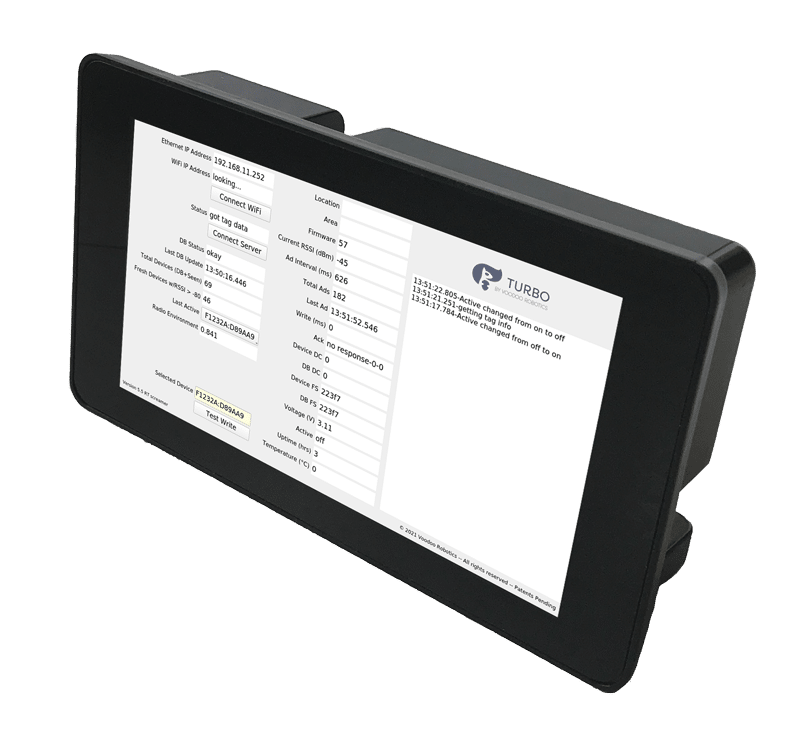
    Turbo Router

    Turbo II Router

    Plug into your network, mount, and configure via touchscreen.

    Ready to See It in Action?

    Schedule a demo and we'll walk through exactly how Voodoo connects to your systems.